

Create a key
1
Open the API page
Select API in the sidebar. Until you have a key you get the empty state, with a single Create API key button.
2
Name it
Give the key a name that says where it will be used —
production-backend, staging, nightly-job. The name is the only thing that tells two keys apart later, so a name like “key 1” costs you nothing today and something later.3
Copy it before you close the dialog
The full key is shown once, with the warning “Please copy this API key and save it somewhere safe. For security reasons, we cannot show it to you again.” Copy it into your secret manager, then select I’ve stored it safely.
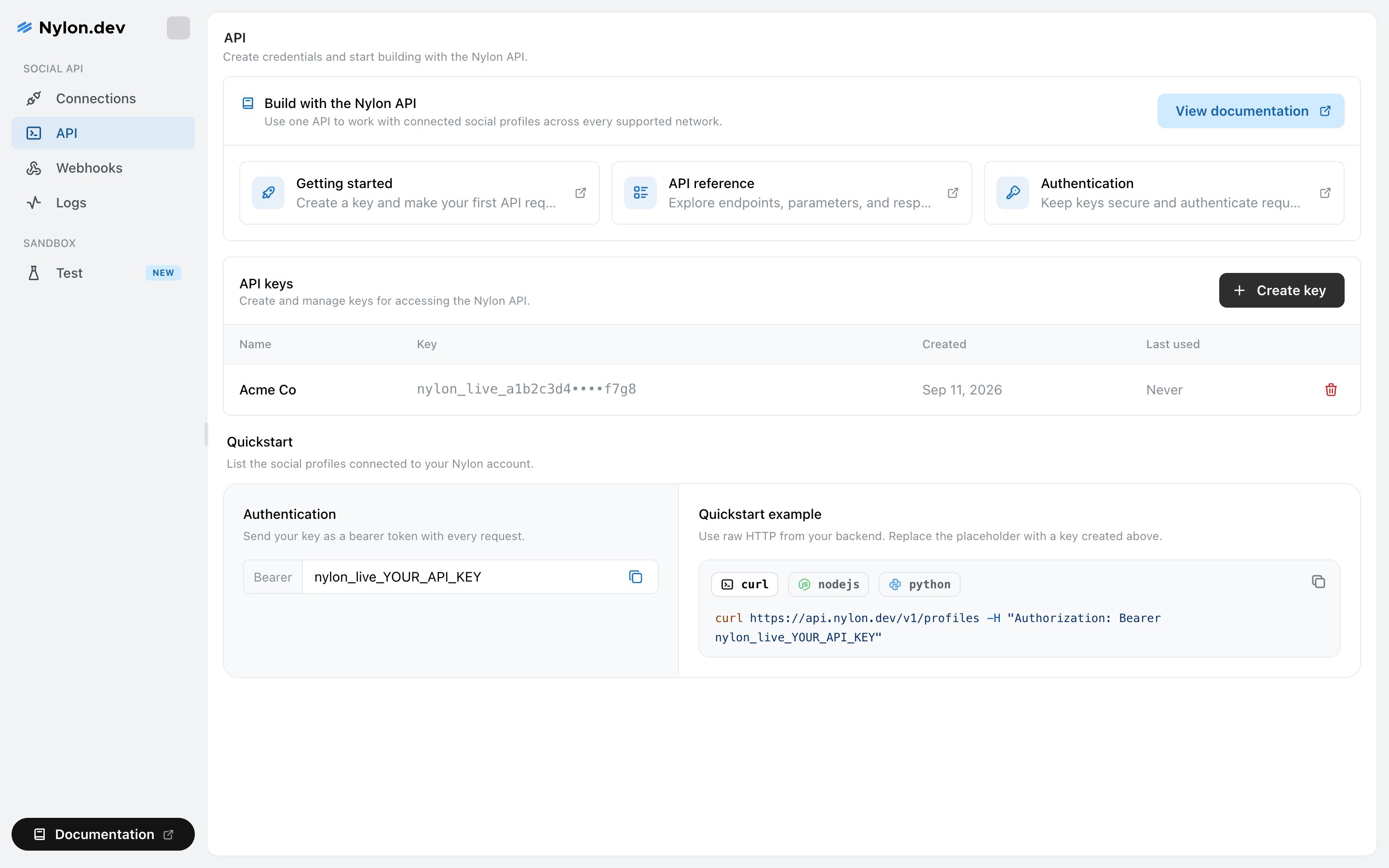
The API page, with the key list and a quickstart snippet.
What the list shows
Last used is the useful one. A key that has never been used is safe to revoke, and a key that stopped being used months ago is usually a key nobody knows they still have.
Revoke a key
Select the red bin icon at the end of a row. Nylon asks you to confirm, naming the key: “‘production-backend’ will stop working immediately. This action cannot be undone.” Revoking takes effect at once. Any request still using that key starts failing with an authentication error, so roll the new key out before revoking the old one.Using a key
Send it as a bearer token from your backend:Rate limits
Limits are applied per key, not per IP address — so a key used from two regions shares one budget, and two customers behind the same cloud NAT do not.
Every response carries the current limit, what is left and when it resets, so you can back off before you are refused rather than after.
Related
Keep keys secure
Where keys belong, and what to do if one leaks.
Authentication
The base URL, the header, and the errors a bad key produces.